In Jupyter Notebook, you can freely change the style by writing CSS in ~/.jupyter/custom/custom.css. Instead of changing the theme, you write your own CSS.
For example, in Jupyter notebook Tips to improve your productivity, even the syntax highlighting is changed.
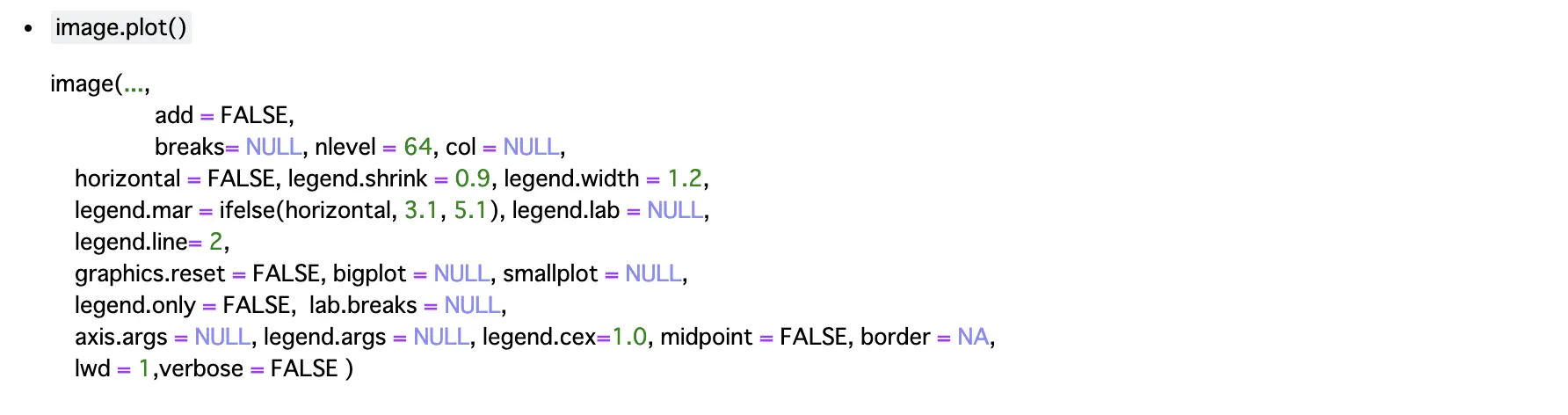
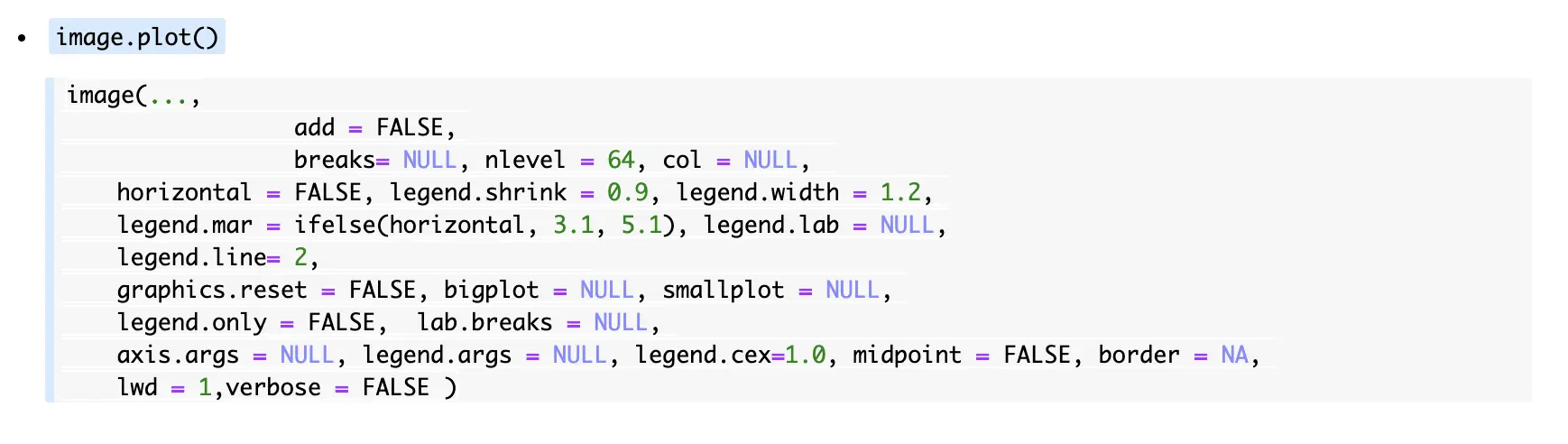
For example, applying the following CSS:
Before
After
Wow, so convenient. It might be fun to play around with implementing useless parallax effects using animate.css or something similar. However, since the markup structure of Jupyter Lab is quite different in the first place, it seems unlikely that this can be reused there.

